Posts

Showing posts with the label android developers

Solution Of No Internet Access/Limited access In Windows

Image
# Open Device Manager (search Windows Help if you don’t know what this is) # Select ‘Network adaptors’ and then open (double-click) Broadcom 802.11n Network Adaptor # Go to the Driver tab and click the Update Driver… button # Select ‘Browse my computer for driver software’ # Select ‘Let me pick from a list of device drivers on my computer’ # Select the “Broadcom 802.11n Network Adaptor (Broadcom)/Intel” entry from the list, and click Next Well, it worked for me. Good luck
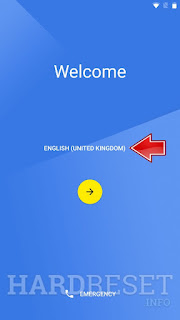
How To Bypass Google Id(FRP) Verification On Any Android

Image
Bypass Google Protection Motorola Bypaas Google Protection How to bypass Google Account protection? How to remove factory reset protection? How to active your phone when you forgot the Google password? How to bypass FRP? How to remove Google Account signing in? This tutorial is an answer to all above-mentioned questions. Links to download the necessary application: Motorola Device Manager contains USB drivers: https://motorola-global-portal.custhe... All-in-One installer for Android tools: http://forum.xda-developers.com/showt... Minimal ADB and Fastboot : http://forum.xda-developers.com/showt... In order to bypass Factory Reset Protection you should watch the  youtube tutorial  or follow the below steps: At first from the  Welcome panel  choose  English  language. Then select wifi network panel make sure that you are not connect to any of the networks. Scroll down to the bottom of the list and tap  Add Another Network . ...