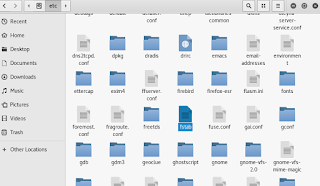
To edit repositories and update/upgrade/install almost all apps in kali linux follow the steps given below 1. open terminal 2. edit source.list type: gedit /etc/apt/sources.list and hit enter 3. now add these line and save ## Source repositories deb-src http://http.kali.org/kali kali main non-free contrib deb-src http://security.kali.org/kali-security kali/updates main contrib non-free deb http://http.kali.org/kali kali-rolling main contrib non-free # For source package access, uncomment the following line deb-src http://http.kali.org/kali kali-rolling main contrib non-free deb http://http.kali.org/ /kali main contrib non-free deb http://http.kali.org/ /wheezy main contrib non-free 4. now open t...